
Reduce Stress in Real-Time: eSense Temperature Biofeedback Training
Unlock the Power of Temperature Biofeedback: Real-Time Stress Relief, Anxiety Management, and Peak Performance Training for Enhanced Mental Clarity and Emotional Balance
Unlock the Power of Temperature Biofeedback: Real-Time Stress Relief, Anxiety Management, and Peak Performance Training for Enhanced Mental Clarity and Emotional Balance
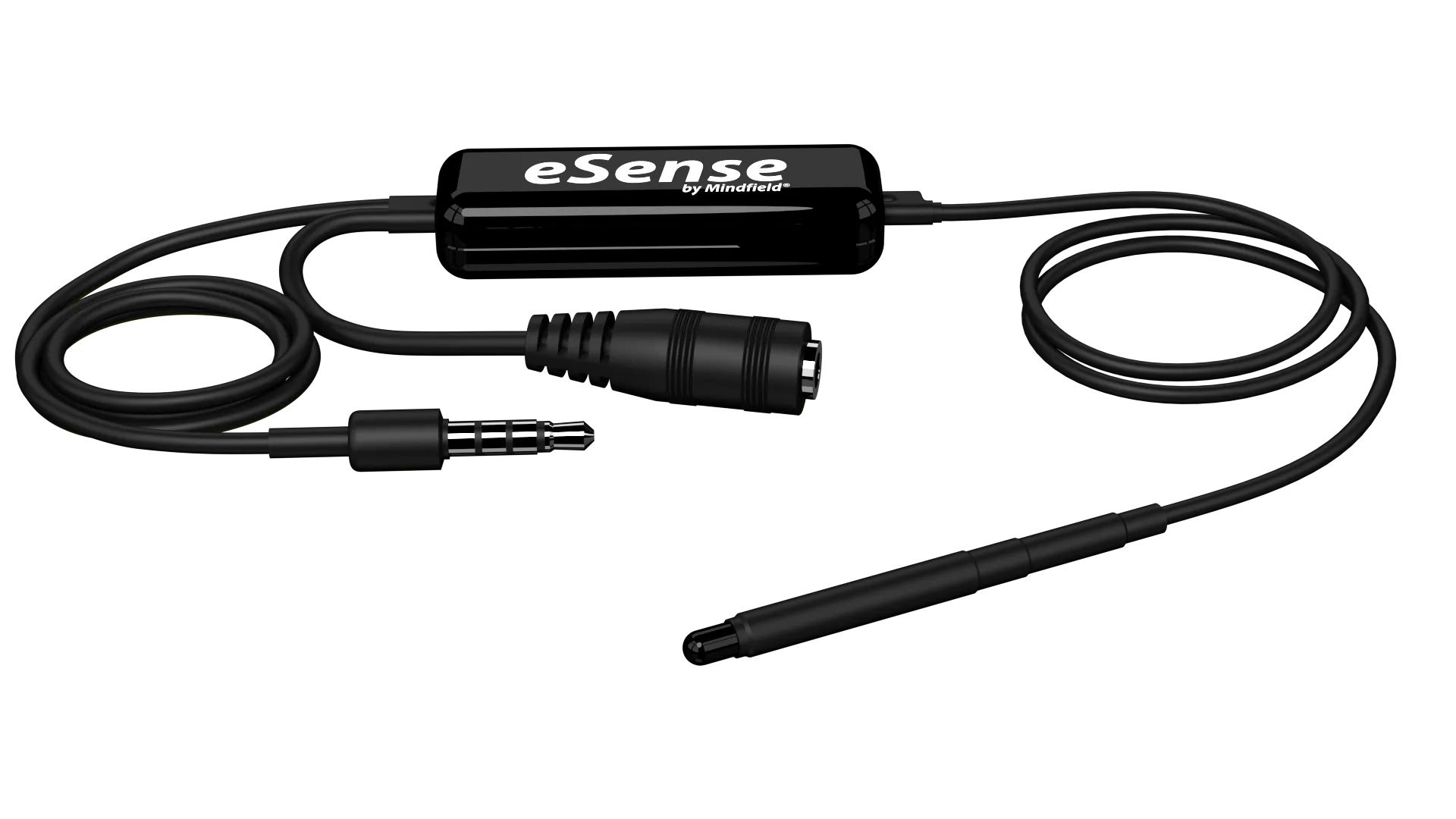
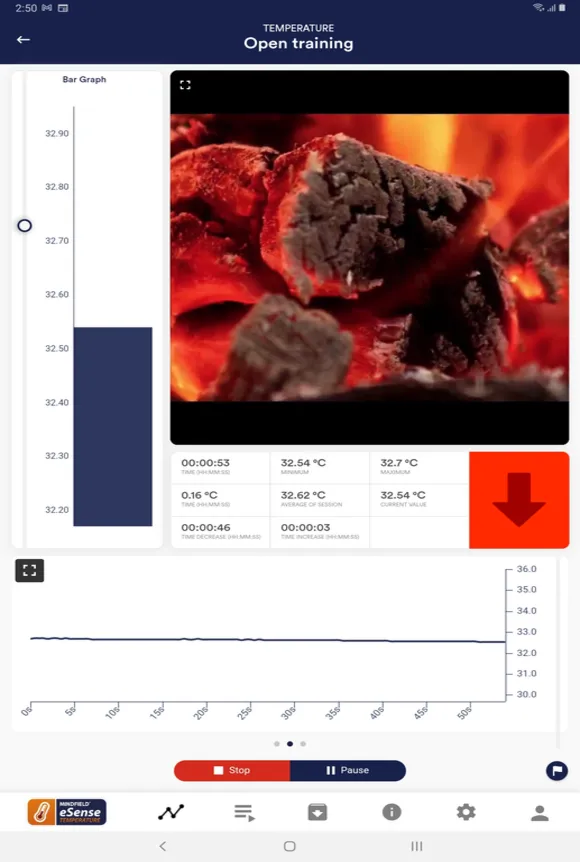
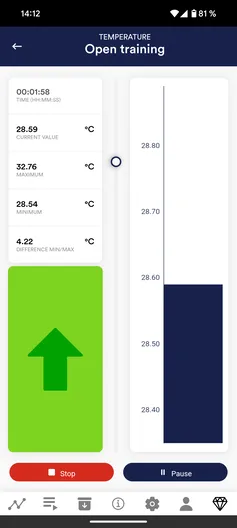

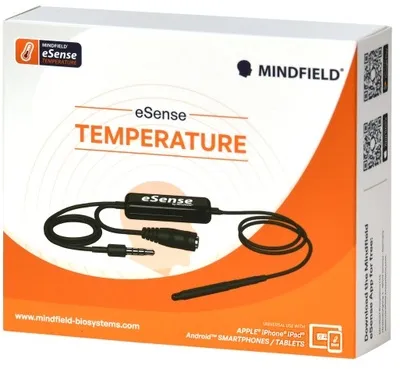
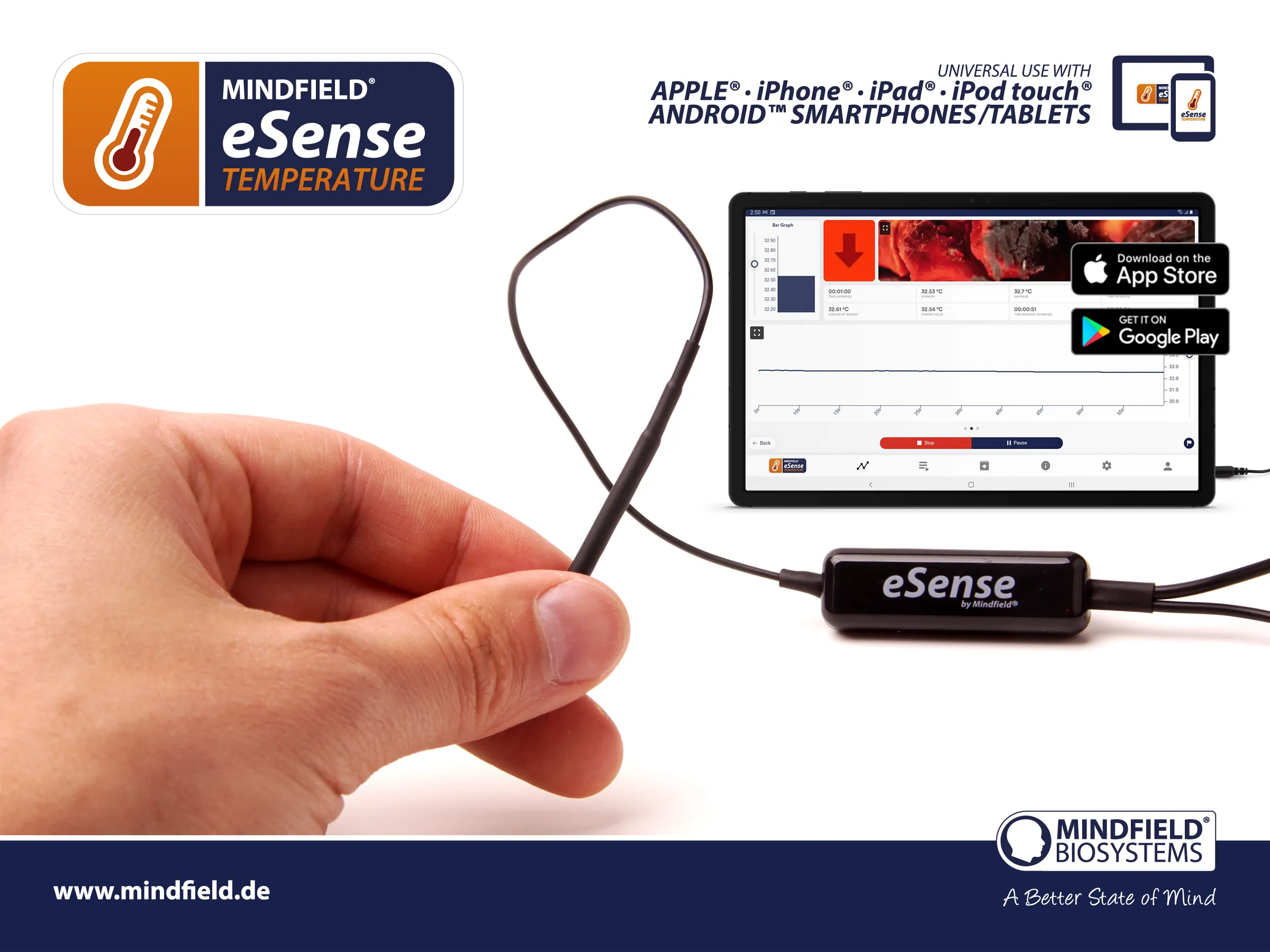
The eSense Temperature is a small sensor to measure your skin temperature with the microphone input of your smartphone or tablet (Android or Apple iOS). Handwarming training is an especially effective and common biofeedback method. The temperature of our hands is connected to our stress level: When we are stressed, we tend to have cold hands.
Immediate feedback enables you to voluntarily increase the skin temperature in your fingers, thus increasing your peripheral blood circulation, leading to relaxation and stress reduction. The eSense provides you in various ways with exact feedback about your momentary stress level, e.g. with measurement curves, video display and audio feedback features.
Measure skin temperature with the microphone input of your smartphone or tablet (Android or Apple iOS)
Handwarming training - especially effective and common biofeedback method
Immediate feedback enables you to voluntarily increase the skin temperature in your fingers
Increase peripheral blood circulation, leading to relaxation and stress reduction
Exact feedback about your momentary stress level with measurement curves
Video display and audio feedback features
Headphone jack for audio biofeedback - listen to music while training
Biofeedback via smart bulbs (Magic Blue™ and Philips Hue™)
Free eSense App with optional premium features - export data as CSV
Regular app updates with new features
Designed and engineered in Germany
Cold hands
or feet
General stress
and tension
Poor
circulation
Blood pressure
fluctuations
Increase depth
of meditation
Gain insights into your breath and skin conductivity to enhance relaxation, focus, and well-being with real-time biofeedback.
Mindfield® eSense Temperature Sensor
One velcro strap for the Sensor
Innovative finger clip for optimal attachment of the sensor to the finger
Free eSense App for iOS & Android (optional in-app purchases available)
Extensive instructions for effective training
Most modern smartphones and tablets no longer have a 3.5mm audio jack. USB-C and Lightning adapters are available as optional add-on in our shop (+€10).
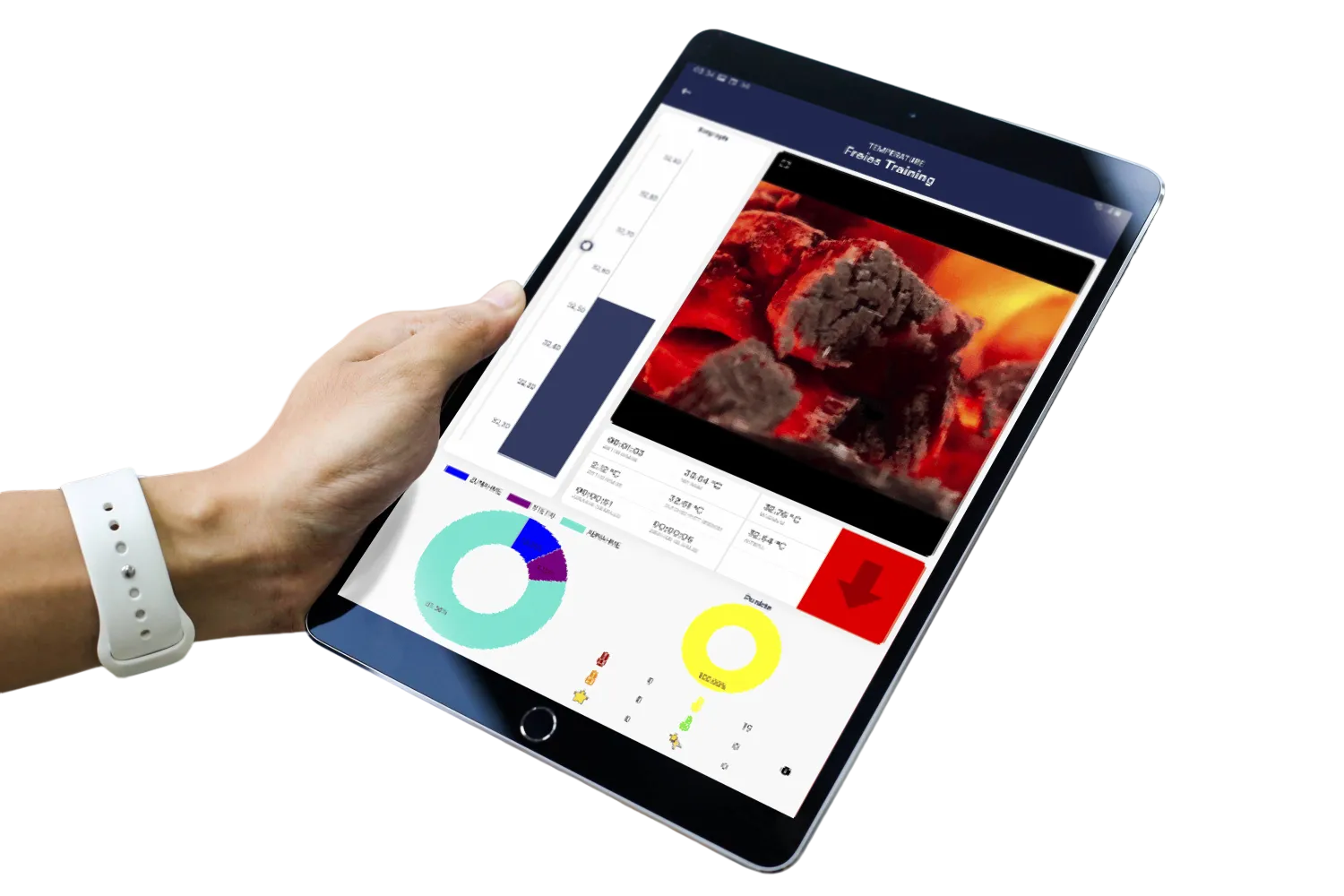
The free eSense App is available for Android smartphones and tablets on the Google Play Store, and for iPhone and iPad on the Apple App Store. The app offers comprehensive features for effective biofeedback training including measurement display (bargraph and oscilloscope), feedback via video, music, tones, vibration, and smart bulb lighting. Optional premium features are available through in-app purchases.


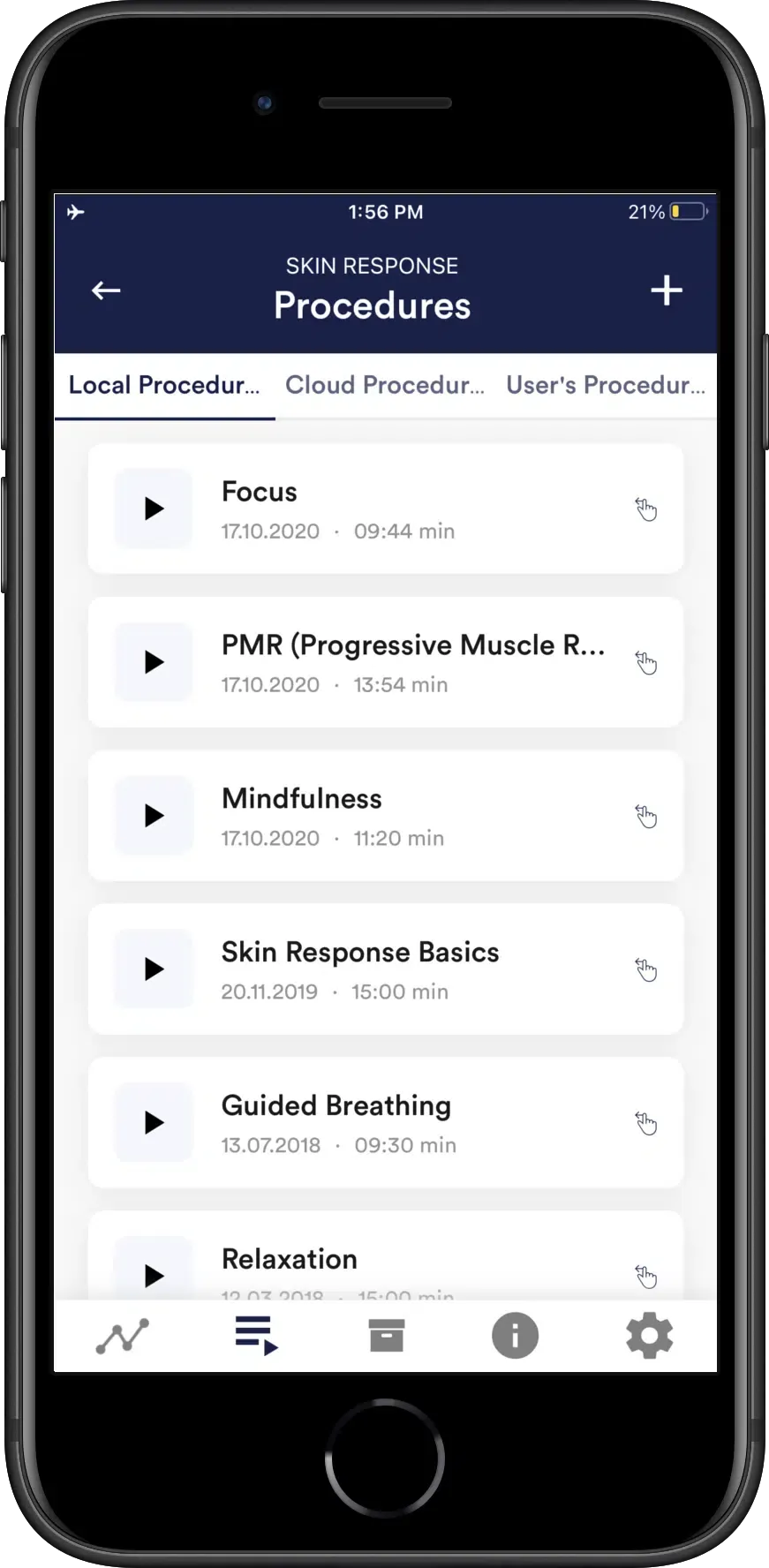
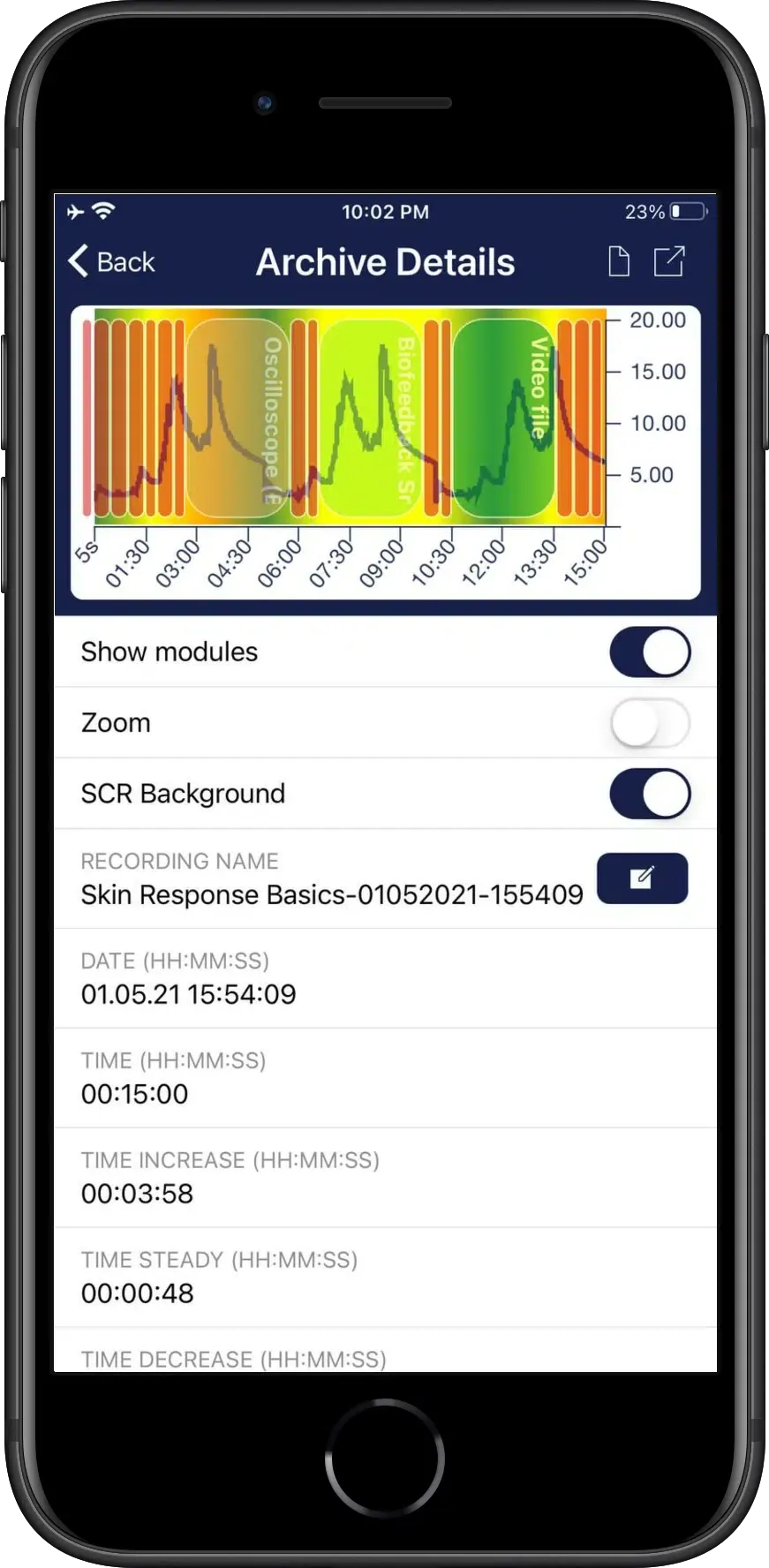

Skin temperature biofeedback is simple to use and easy to learn. It shows a high success rate and an improvement of the general well-being. Measuring your skin temperature has never been easier, order the eSense Temperature now! Thanks to the biofeedback procedure, you quickly learn how stress affects your body. You can control your stress level. All you have to do is connect the eSense Temperature to your smartphone to measure your skin temperature. Thanks to the accurate measurement of your skin temperature, you get reliable biofeedback when your body is relaxed, or stressed. This helps you to learn how to control your body functions. Get to know your body and listen to the biofeedback during stress. Great insights and a conscious reduction of stress levels with the eSense Temperature.
Most modern iOS devices need a 3.5mm audio adapter:
Available as optional add-on in our shop (+€10).
Most Android devices with USB-C need a USB-C to 3.5mm audio adapter.
Available as optional add-on in our shop (+€10).
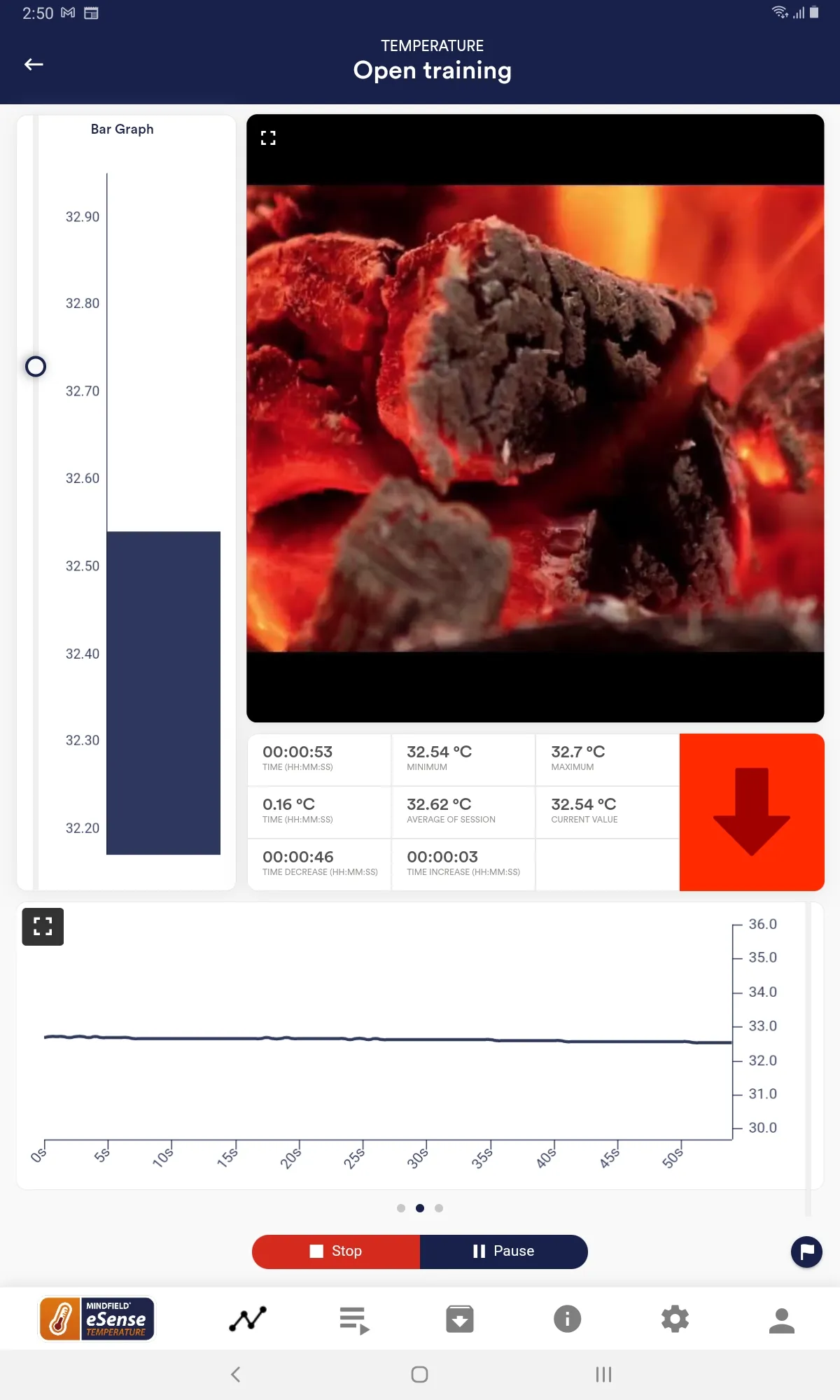
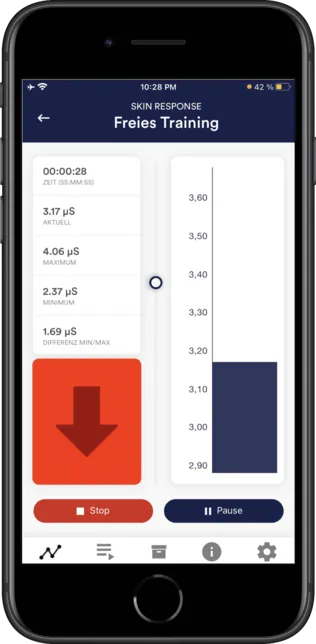
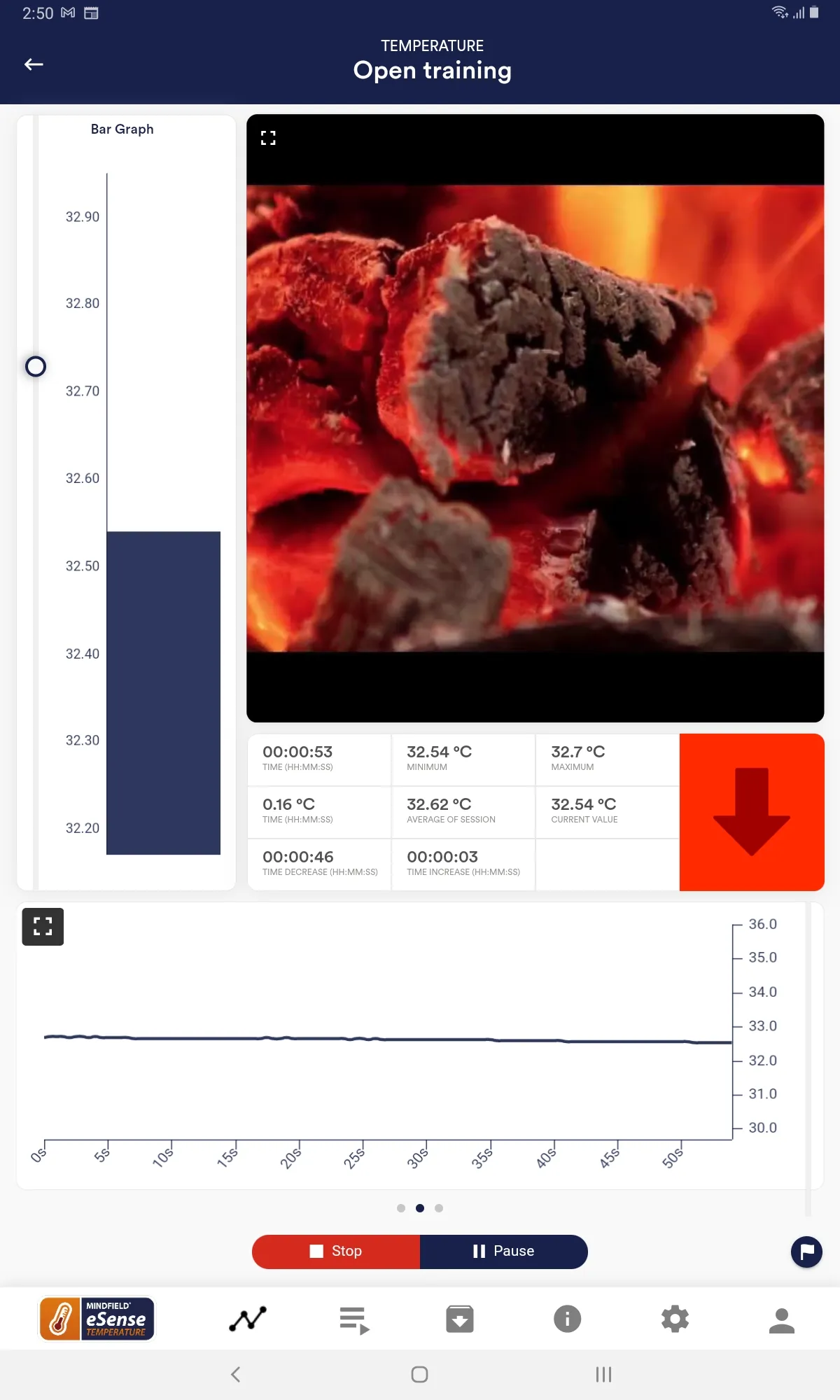
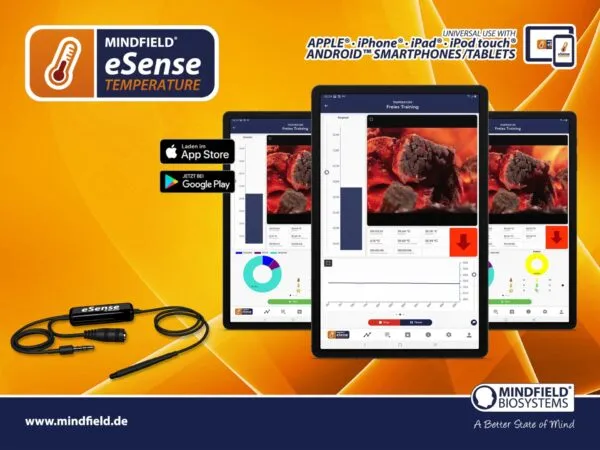
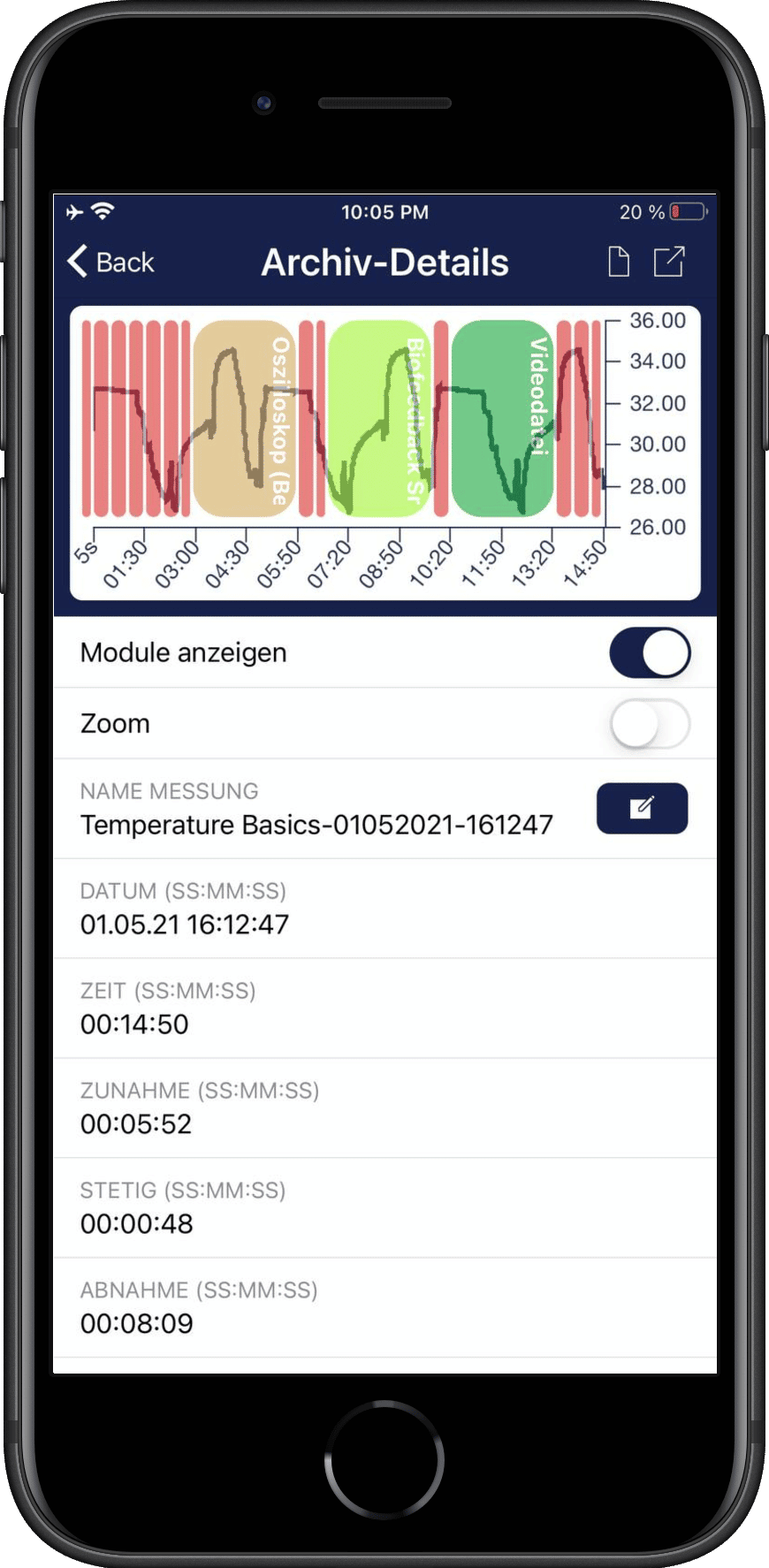
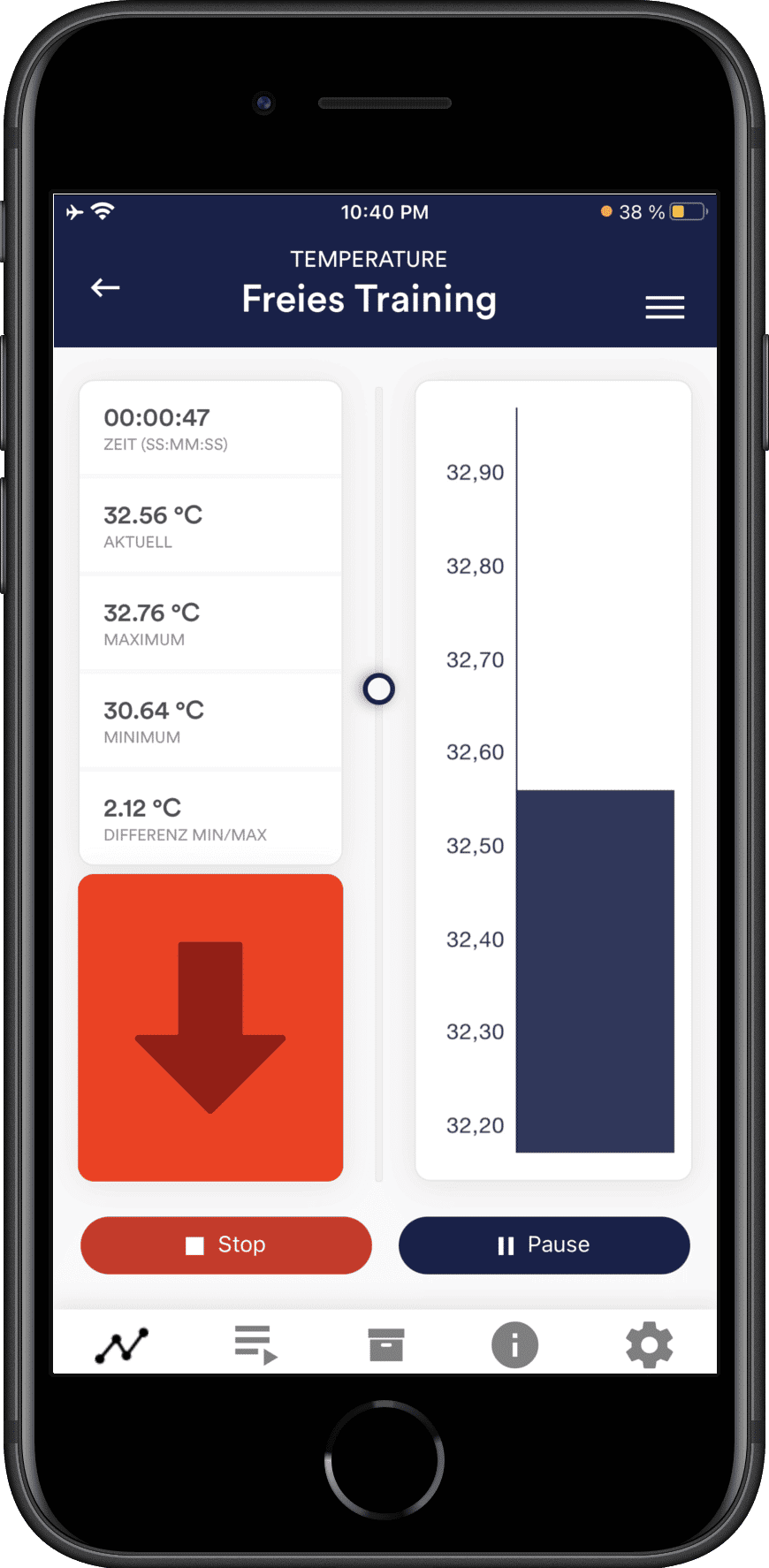
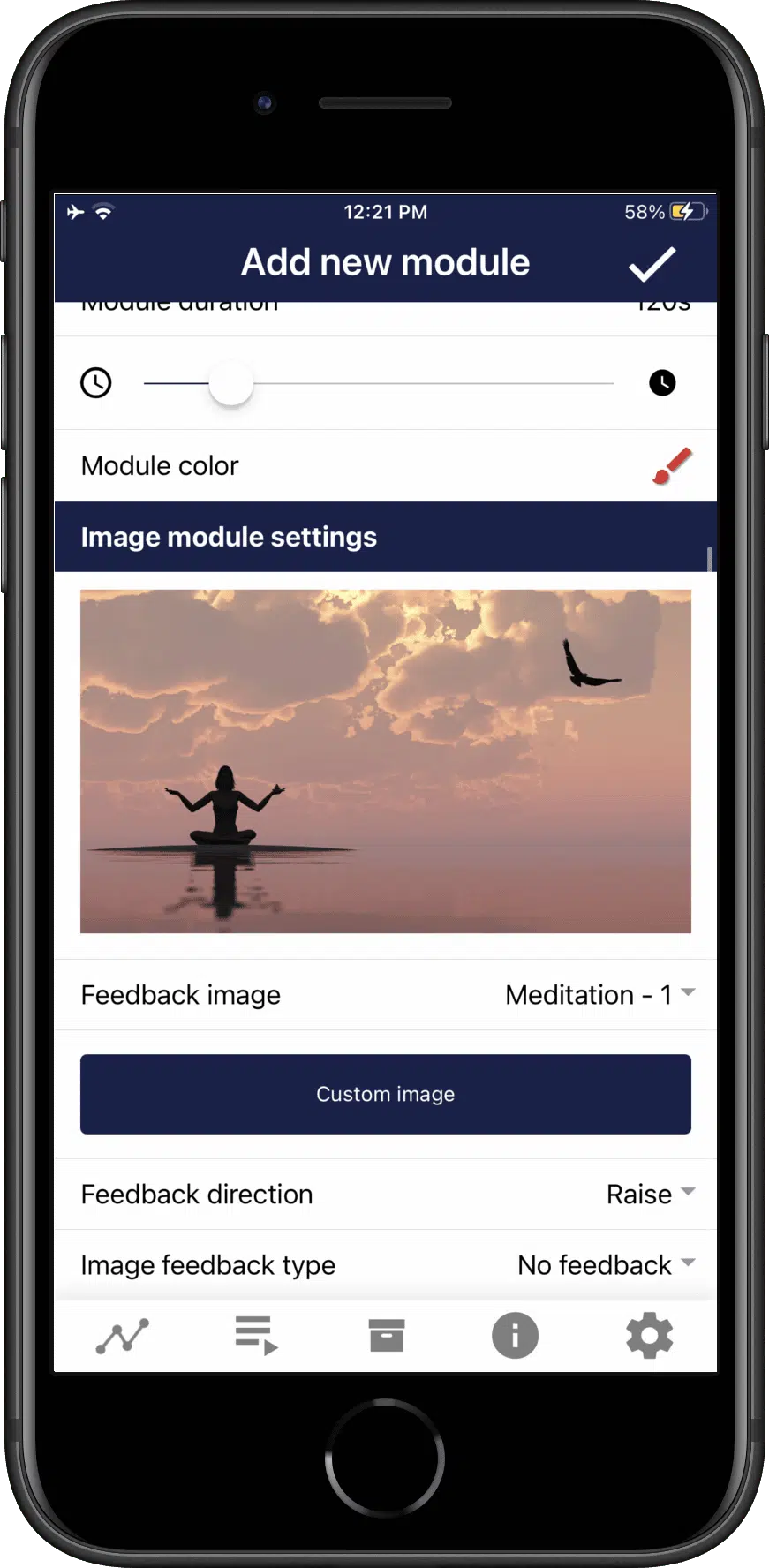
The free eSense App is available for Android smartphones and tablets on the Google Play Store, and for iPhone and iPad on the Apple App Store. Track your temperature biofeedback training with real-time graphs, customize your training sessions with audio and visual feedback, and export your data as CSV for detailed analysis. Optional premium features are available through in-app purchases.
Temperature biofeedback (also called thermal biofeedback or hand warming training) is a mind-body technique that teaches conscious control of peripheral skin temperature through real-time feedback. When stressed, blood vessels constrict and hand temperature drops. By learning to warm your hands through peripheral vasodilation, you activate the parasympathetic nervous system and reduce stress. This skin temperature biofeedback method is widely used for stress management, migraine prevention, and relaxation training.
Prefer to buy in your region? The eSense is also available from an authorized local partner:
Developers can build their own applications with this sensor — for research, commercial products, VR or gadgets.
Thermal biofeedback measures peripheral skin temperature, usually at the fingertip, and feeds it back to you so you can learn to raise it through relaxation. When you are stressed, the small blood vessels in your hands constrict and finger temperature drops; when you relax deeply, those vessels widen and temperature rises. This response, called hand warming or peripheral vasodilation, is one of the oldest and most thoroughly researched biofeedback methods. The eSense Temperature sensor detects changes as small as 0.01 degrees Celsius and sends them to the free eSense App, where you watch your temperature rise and fall in real time. By experimenting with slow breathing, imagery, and letting go of muscular tension, you gradually learn which mental states warm your hands. Because peripheral warming reflects reduced sympathetic nervous-system activity, this training can support relaxation, and the immediate feedback makes the subtle skill much easier to grasp.
The eSense Temperature connects through the 3.5mm audio jack on your smartphone or tablet, so it draws its power from the device itself with no batteries required. For modern phones without a headphone jack, including most current iPhones and many newer Android models, a USB-C or Lightning adapter is included in the package, so you can start straight away. There is no Bluetooth pairing and no calibration step: you simply plug the sensor in, attach the temperature probe to your fingertip, and open the free eSense App. This plug-and-play design keeps setup fast and reliable, which is especially helpful for daily practice where any friction can discourage consistency. The sensor works with both Android and iOS, and the app detects it automatically as soon as it is connected. Because there is no wireless link, there is also nothing to charge or re-pair between sessions.
Yes, thermal biofeedback is one of the classic relaxation-training methods and is widely used for exactly this purpose. Research shows that learning to raise peripheral skin temperature through conscious relaxation is associated with reduced sympathetic nervous-system activity, which is the branch of your nervous system that ramps up during stress. As you practise, warming your hands becomes a reliable signal that your body is settling into a calmer state. The eSense Temperature makes this process visible by measuring changes as small as 0.01 degrees Celsius, so even a subtle relaxation response shows up clearly on screen in the free eSense App. Seeing that immediate confirmation helps you identify which breathing patterns, mental images, or postures genuinely calm you. Regular practice can support your ability to relax on demand, though the degree of benefit varies between individuals and depends on how consistently you train.
During a typical training session, fingertip temperature often varies by roughly 1 to 5 degrees Celsius, depending on your starting state and how deeply you relax. A relaxed hand commonly sits somewhere around 28 to 32 degrees Celsius, while a stressed or cold state can drop below 25 degrees, so there is usually plenty of room to observe change. The eSense Temperature measures across a range of about 10 to 40 degrees Celsius with a resolution of 0.01 degrees, which means even very small shifts are visible in real time in the free eSense App. Individual results differ, and factors like room temperature, circulation, and time of day all influence your readings, so it is best to compare sessions under similar conditions. Rather than chasing a specific number, most users focus on the direction of change and how quickly they can warm their hands.
A typical thermal biofeedback session lasts about 15 to 20 minutes, which gives your hands enough time to respond and lets you settle into a relaxed state. Beginners are best starting with shorter sessions of around 10 minutes and extending them gradually as hand warming becomes easier and more consistent. Training a little each day tends to produce steadier progress than occasional long sessions, because the skill relies on repetition. The free eSense App includes ready-made training procedures that structure each session for you, as well as a customizable Open Training mode where you set your own duration, feedback style, and goals. Every session is recorded, so you can look back at how your temperature responses develop over days and weeks. If your hands are very cold at the start, allow a few extra minutes at a comfortable room temperature before you begin.
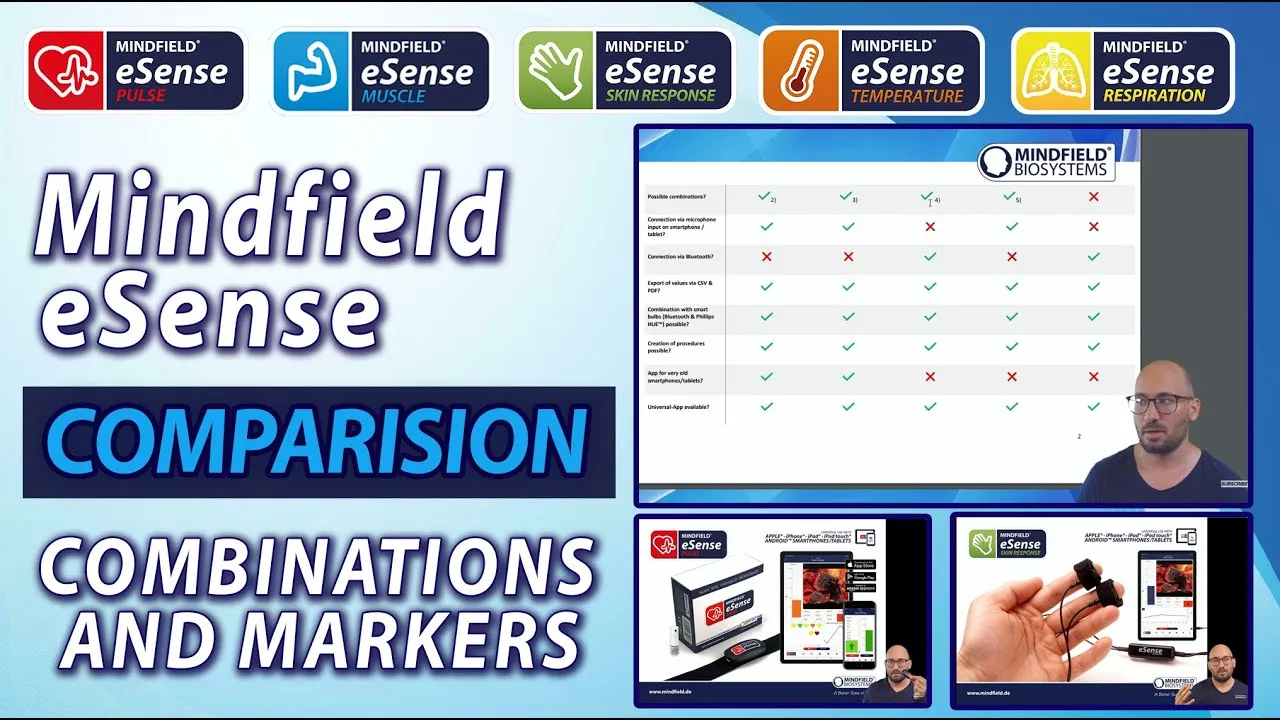
The eSense Temperature uses the 3.5mm audio jack, so it cannot run at the same time as another jack-based sensor such as the eSense Skin Response, because the two share the same connection. You can, however, combine it with the Bluetooth-based eSense Pulse to record peripheral temperature and heart rate variability simultaneously, which is a popular pairing for deep relaxation and coherence training. Watching hand warming alongside your HRV gives a fuller picture of how your body responds to calming techniques. If you want to alternate between temperature and skin-conductance training, you can simply swap sensors between sessions, since both use the same jack. The free eSense App detects whichever sensor is connected and adjusts its feedback display automatically. For most users, starting with one sensor and adding the Pulse later is a practical way to build a multi-modal setup without buying everything at once.
Find the ideal eSense sensor for your personal training goal.
Start Sensor FinderThe eSense Temperature measures peripheral skin temperature — a subtle but powerful indicator of relaxation and blood flow through thermal biofeedback. When you're stressed, blood vessels constrict and finger temperature drops. Learning to warm your hands through peripheral vasodilation is a classic biofeedback technique for stress reduction.
Combine skin temperature biofeedback with other eSense sensors:
• Temperature + eSense Pulse (Bluetooth): The most popular combination — monitor both peripheral warming and HRV for deep relaxation training
• eSense Skin Response: Measures electrodermal activity (EDA) — complementary stress indicator
• eSense Muscle: EMG biofeedback for muscle tension awareness
• Standalone training: Thermal biofeedback is highly effective on its own for stress reduction and migraine prevention
Note: Temperature uses a 3.5mm audio jack, so it cannot be used simultaneously with Skin Response. However, the Bluetooth-based eSense Pulse works perfectly alongside it.
Find your ideal sensor combination: eSense combination guide → Or try our interactive Sensor Finder →




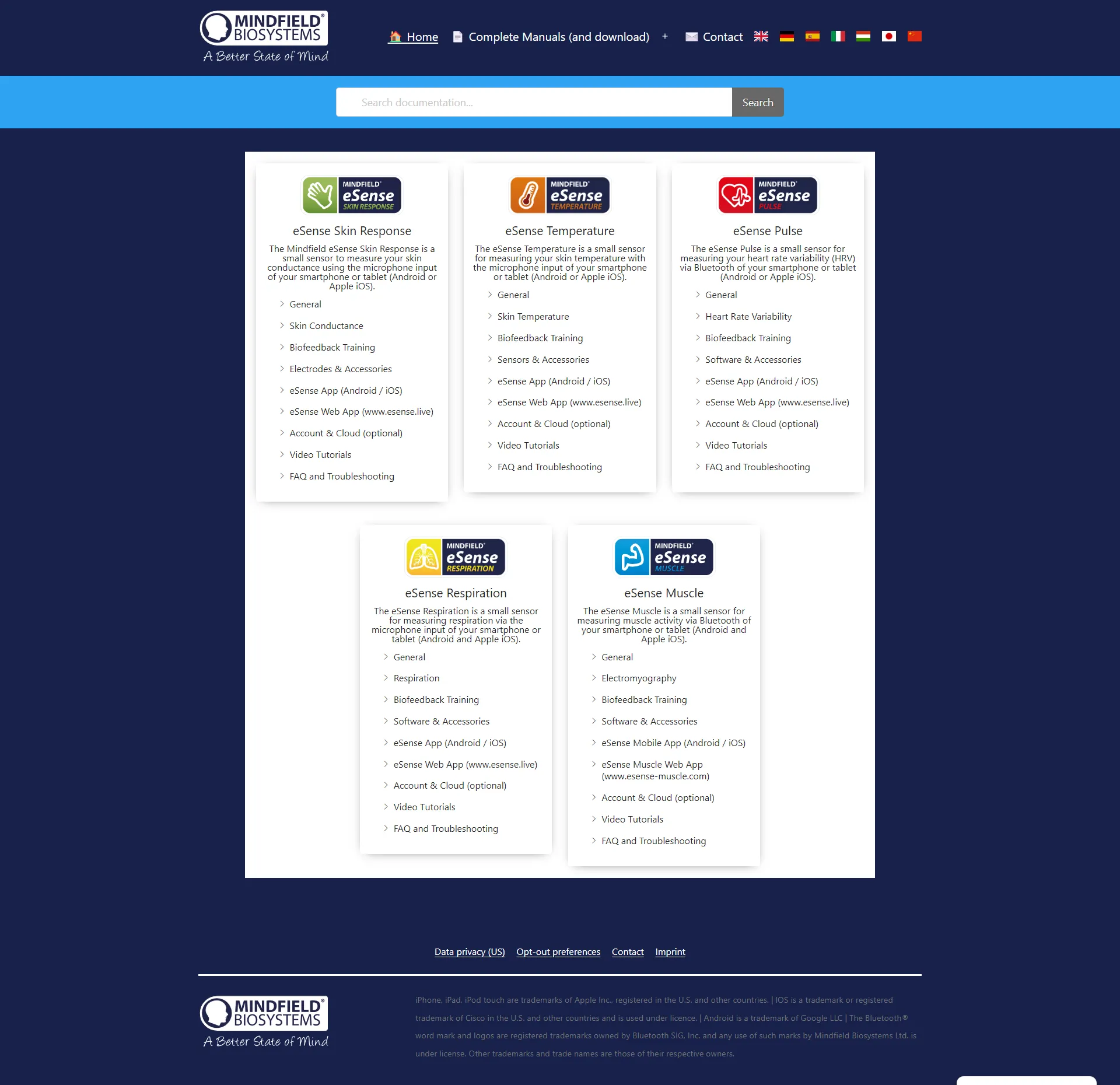
Visit our comprehensive helpdesk for setup guides, troubleshooting tips, video tutorials, and detailed documentation. Our support team is available via email to assist you with any questions.
Last updated: